简答题
偏难
#18518
飞行的小猫 准备工作: (1)删除默认小猫角色。 (2)添加角色 Cat Flying 和 Clouds。 (3)删除默认白色背景,添加背景 Blue Sky…
飞行的小猫
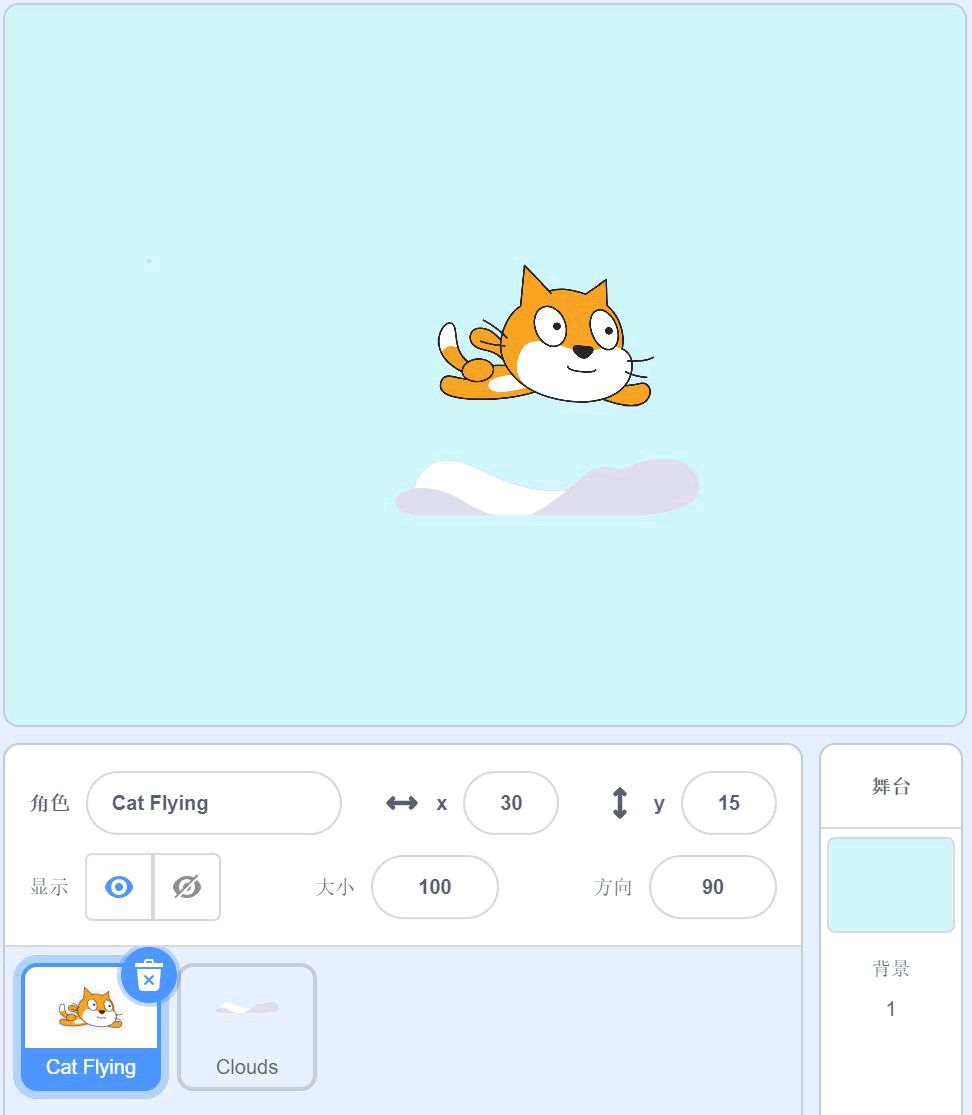
准备工作:
(1)删除默认小猫角色。
(2)添加角色 Cat Flying 和 Clouds。
(3)删除默认白色背景,添加背景 Blue Sky 2。
功能实现(根据注意事项,用积木块实现下列描述的功能):
(1)点击绿旗,背景换成 Blue Sky 2。
(2)点击绿旗,角色 Cat Flying 的初始位置为(X=-150,Y=120),初始方向为 90°,初始造型为“cat flying-a”。
(3)点击绿旗,角色 Clouds 的初始方向为 90°,移动到 Cat Flying 位置后向下移动 80(y 坐标减少 80),并且始终与 Clouds 保持这样的距离。
(4)当按下向上键时,Cat Flying 换成 cat flying-b 造型向上移动 5,当按下向下键时,Cat Flying 换成 cat flying-b 造型向下移动 5(向上 y 坐标增加、向下 y 坐标减少)。
(5)当按下向左键时,Cat Flying 换成 cat flying-a 造型向左移动 5,当按下向右键时,Cat Flying 换成 cat flying-a 造型向右移动 5(向左 x 坐标减少、向右 x 坐标增加)。
(6)当碰到舞台边缘,停止全部脚本。
注意事项:
功能(1)全部写在背景代码区的【当绿旗被点击】积木下面。
功能(2)(4)(5)(6)全部写在角色 Cat Flying 代码区的【当绿旗被点击】积木下面。
功能(3)写在角色 Clouds 代码区的【当绿旗被点击】积木下面。
角色 Clouds、Cat Flying 的方向始终为 90°,不会在飞行的过程中改变方向。
答案与解析
正确答案:<p><span style="text-wrap-mode: nowrap;">参考程序:</span></p><p><span style="text-wrap-mode: nowrap;">(1)角色:Clouds</span></p><p><span style="text-wrap-mode: nowrap;"></span></p><p><img height="245" src="/codeimages/202412GESP_Scratch1/ans18518_1.png" style="width: 250px; height: 245px;" width="250"/></p><p><span style="text-wrap-mode: nowrap;">(2)角色:Cat Flying</span></p><p><span style="text-wrap-mode: nowrap;"></span></p><p><img height="892" src="/codeimages/202412GESP_Scratch1/ans18518_2.png" style="width: 361px; height: 892px;" width="361"/></p><p><span style="text-wrap-mode: nowrap;">(3)背景:</span></p><p><span style="text-wrap-mode: nowrap;"></span></p><p><img height="136" src="/codeimages/202412GESP_Scratch1/ans18518_3.png" style="width: 314px; height: 136px;" width="314"/></p>
这道题暂未补解析。